
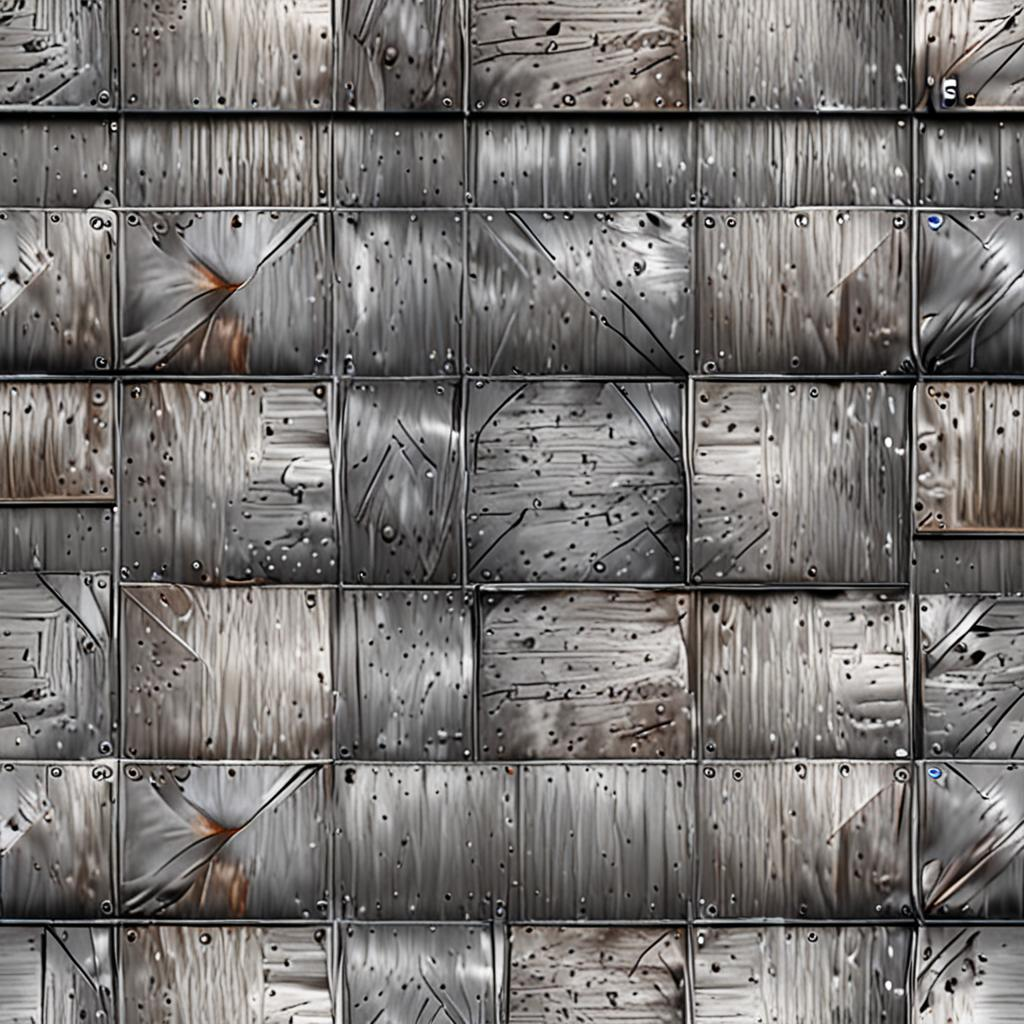
Instant generation
Describe the material or surface you need and generate a texture in seconds.
AI TEXTURE STUDIO
Describe the surface you need, adjust the settings, and generate ready-to-use PBR textures for games, 3D visualization, architecture, animation, and other creative projects.
Features
Create customizable textures for games, 3D visualization, architecture, animation, and digital production.
Describe the material or surface you need and generate a texture in seconds.
Adjust the material, style, resolution, seed, and PBR maps to fit your workflow.
Use textures in personal and commercial projects under the applicable license.
Use cases
Use generated textures across games, 3D scenes, architectural visualization, animation, product design, and digital art.
Create surfaces for environments, characters, props, weapons, vehicles, and other game assets.
Add realistic materials to interior, exterior, product, and concept visualizations.
Generate textures for walls, floors, stone, wood, metal, fabric, and other architectural surfaces.
Build materials for animated scenes, cinematic environments, motion design, and visual effects.
Apply custom textures to packaging, furniture, objects, prototypes, and product renders.
Create materials for immersive experiences, virtual spaces, illustrations, and experimental digital projects.
Process
Enter a clear prompt describing the material, surface, colors, and details you need.
Choose the material, style, resolution, seed, and PBR maps for your texture.
Use points to generate your texture and preview the result before downloading.
Download the generated texture and selected PBR maps as a ready-to-use pack.
EXPORT OPTIONS
Generate texture packs with adjustable resolution, seamless surfaces, and the PBR maps required for different creative projects.
Choose the resolution that fits your project and workflow.
Control the settings and files included in every generation.
Download the maps you need as a single texture pack.
Generator
Each generation costs 1 point and includes a downloadable PBR texture pack.
Sign in to generate textures.
Preview
Enter a description and click Generate to preview your texture on a 3D sphere
Marketplace
Products from the store — PBR maps, point bundles, and curated materials with instant download.
FAQ
Quick answers about licensing, exports, and how FrozenTextures works.
No. FrozenTextures does not directly collect or store your full card number, CVV or CVC code, banking password, or complete payment credentials. Payments are processed securely by an independent third-party payment provider.
Yes. Generated and purchased textures may be used in both personal and commercial projects, subject to the Terms of Service. You may not resell or redistribute the original texture files as standalone products.
One texture generation costs 1 Point. The applicable cost is displayed before you submit the generation request.
Depending on the selected settings, your texture pack may include Albedo, Normal, Roughness, Metallic, Ambient Occlusion, and Height maps.
Store products are delivered digitally. After successful payment, the purchased files become available for download through the Website or your account.
Yes. Generated textures are automatically saved to your account, allowing you to access and download them later. We recommend keeping your own backup copies of important files.
Get started
Add points to your library and start creating custom textures in seconds. Describe the surface you need, adjust the settings, and download a complete PBR texture pack for your project.